

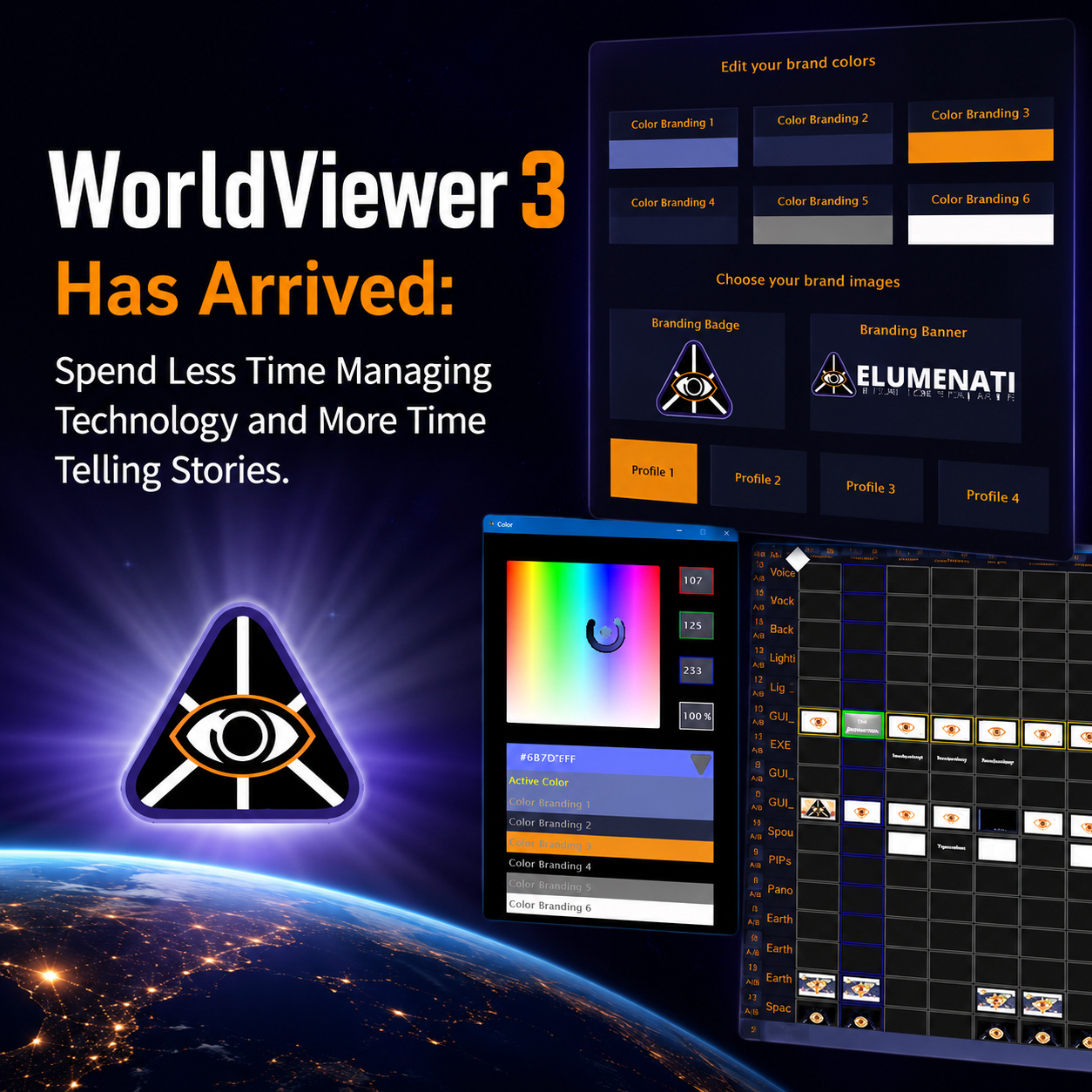
We’re excited to announce the release of WorldViewer 3, the most refined and user-friendly version of WorldViewer to date.
Built Around the Way You Work
Over the years, we’ve listened closely to operators, educators, exhibit designers, presenters, and content creators throughout the WorldViewer Network. While every organization uses immersive technology differently, the feedback was remarkably consistent:
“Make it easier to find what I need.”
“Help me work faster.”
“Let me focus on the experience instead of the software.”
WorldViewer 3 delivers on that vision. This release introduces a user interface redesign and workflow improvements that simplify content creation, system operation, and day-to-day management of immersive experiences. The result is a cleaner, faster, and more intuitive platform designed to help you accomplish more with less effort.
What’s New in WorldViewer 3?
A Cleaner, More Organized Interface
The WorldComposer interface has been refined to reduce complexity and improve usability.
Highlights include:
- Consolidated font sizing throughout the platform
- Improved visual consistency across menus and controls
- New Advanced Mode that hides rarely used settings by default
- Current composition name displayed directly in the WorldViewer title bar
- “Save As” now automatically populates the active composition name
- Templates and workflows have been streamlined and cleaned up
These updates help reduce clutter and make commonly used tools easier to access.
Faster Navigation and Easier Configuration
Many controls throughout WorldViewer have been redesigned to be more intuitive and easier to understand.
New improvements include:
- New easy-to-use dropdown menus
- New graphical Load GUI interface
- Improved scrollbar behavior with smoother navigation
Small improvements add up to a significantly better user experience.
Enhanced Visual Customization
Every immersive experience is unique, and your software should reflect that.
WorldViewer 3 introduces:
- Branding profiles and editor
- New WorldViewer themes
- Improved color selection tools
- New GUI button templates
- New interface templates with and without branding colors
These features make it easier to create operator interfaces that align with your organization’s brand and workflow.
Major UI Revamps Across the Platform
Several key modules have received complete interface overhauls, including:
- Font Selection
- Input and Capture Clips
- Fisheye Properties
- Maps
- StreetView
- Calibration Tools
These updates create a more consistent experience across the platform and make advanced functionality more accessible to new users.
Reliability Improvements
In addition to the visual and workflow enhancements, WorldViewer 3 includes several important maintenance updates:
- Fixed remote control issues introduced by recent NVIDIA updates
- Restored StreetView functionality
- New calibration composition tools
- General performance and workflow improvements throughout the platform
Ready to Upgrade?
WorldViewer 3 is now available to organizations with an active WorldViewer Network Support Plan. If your system is covered by an active support agreement, our team can schedule a remote update and help ensure a smooth transition to the latest version.
To schedule your update, submit a request through the Support Center or contact Sales.
We look forward to helping you unlock the next generation of immersive storytelling with WorldViewer 3.